
Watermarking 500 Photos in One Pass Without
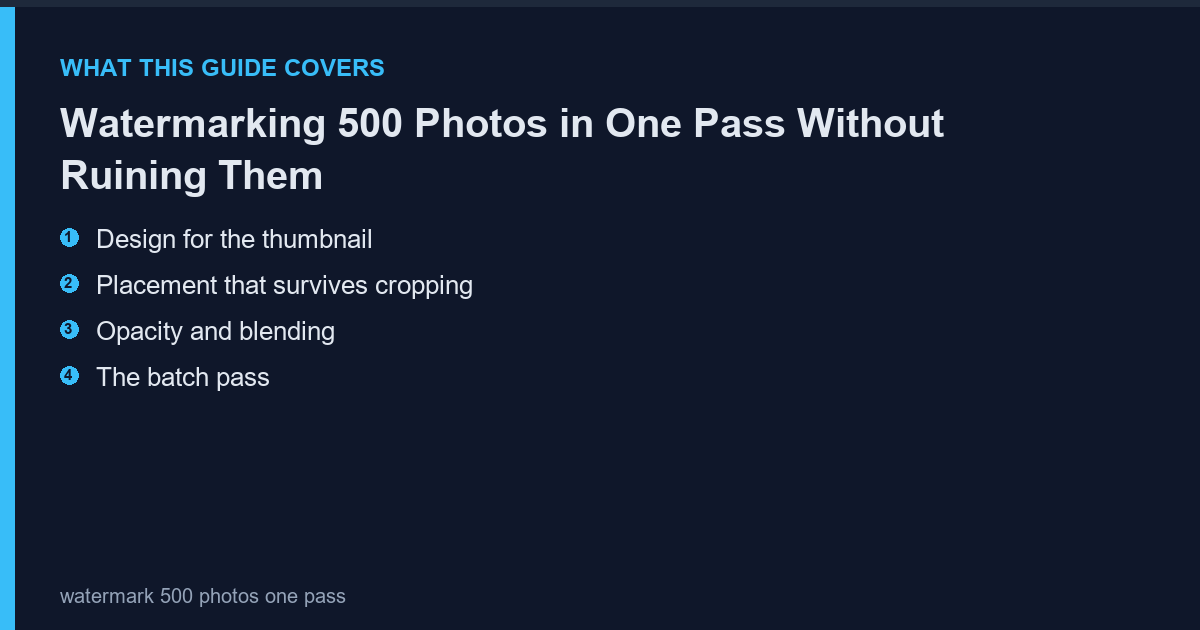
A watermark has two jobs: prove ownership and stay out of the way. Most watermarks fail the second job because they are designed at 100 percent zoom and never checked at thumbnail size.
Design for the thumbnail
Viewers first see your image at 300 px wide. A watermark that reads at that size is a logo or a short word; anything longer becomes a smudge. Test by scaling the watermarked image down to 300 px before committing to the batch.
Placement that survives cropping
Centre-bottom is the most-cropped region on social platforms. Place the mark in a corner with a consistent margin, or tile it diagonally at low opacity if the images are high-value and likely to be reused without permission.
Opacity and blending
White at 60 percent opacity works on most images; black at 40 percent works on bright ones. Never use a hard 100 percent mark unless you want the image to look like a stock preview. The https://photoscape-free.com/batch-resize-rename/ shows the batch object settings that apply one watermark file to an entire folder in a single run.
The batch pass
Set the watermark as an image object anchored bottom-right with a 20 px margin at 65 percent opacity, then run the batch. Export a copy into a separate folder so the originals stay clean for clients who license without a mark.
Frequently Asked Questions
Does watermarking reduce image quality?
Only through recompression. Export once at high quality rather than saving repeatedly.
Can a watermark be removed?
Any visible watermark can be removed with effort. Tiling makes it impractical rather than impossible.
Should the watermark include a year?
A year dates the image quickly. Use a brand mark instead.
[…] Related guide: Watermarking 500 Photos in One Pass Without Ruining Them […]